M4A is Apple’s native audio format. It is smaller than MP3 at similar quality and it is what iPhone expects for ringtones and GarageBand projects.
Step by step
-
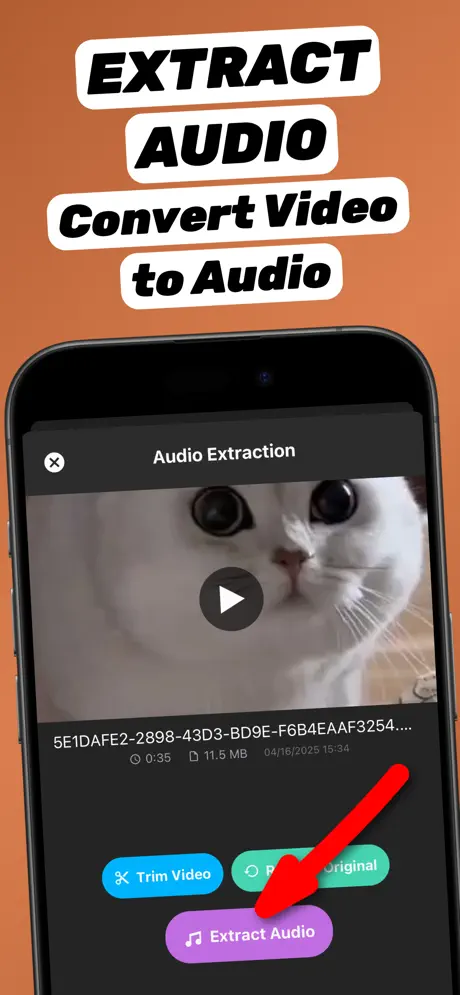
1.Share the video to the app
Open the video in Photos or Files, tap the Share button and choose Extract Audio. The app opens with the video already loaded.
-
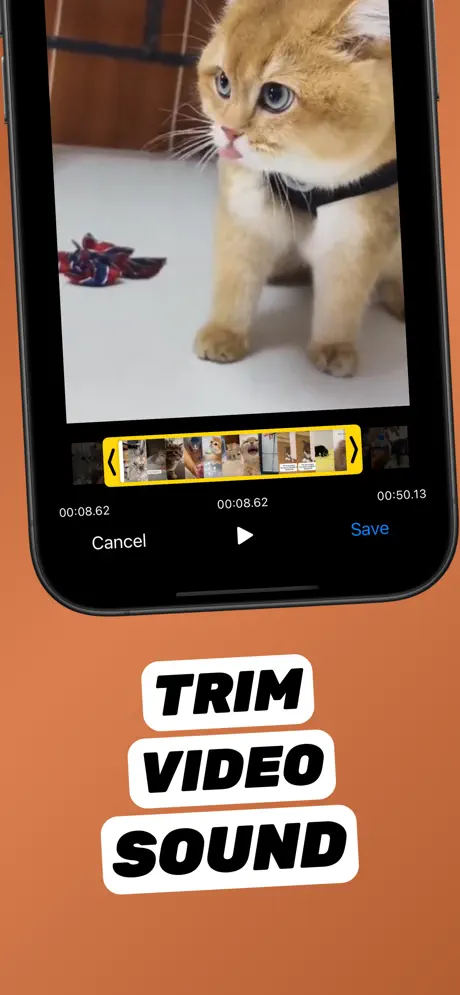
2.Trim to the part you need (optional)
Tap Trim Video, drag the yellow handles to the start and end of the part you want, preview it, and tap Save.
-
3.Extract as M4A
Tap Extract Audio and choose M4A as the format.
-
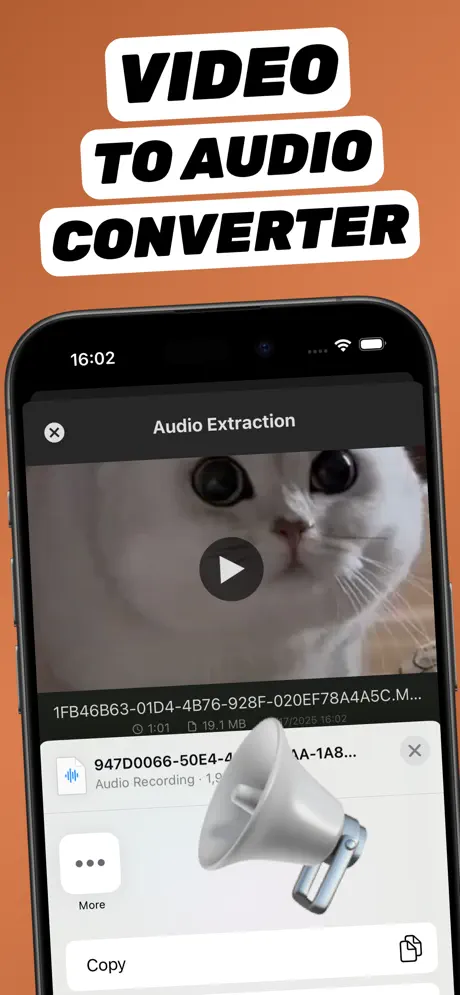
4.Save or share the audio file
The new audio file appears in your library. Tap Share to save it to Files, AirDrop it, or send it to any app.
Extract Audio from Video⁺Free on the App Store · MP3 & M4A · on-device

M4A vs MP3 — when to choose M4A
| M4A (AAC) | MP3 | |
|---|---|---|
| Best for | iPhone, Mac, ringtones, GarageBand | Everything else — Windows, Android, cars |
| File size | Smaller at the same quality | Slightly larger |
| Compatibility | Very good | Universal |
Use the M4A as a ringtone
On iOS 26 an M4A under 30 seconds can be set as a ringtone straight from the Files app. Full walkthrough: make a ringtone from a video.
Open it in GarageBand or iMovie
Save the M4A to Files, then import it from the Files browser inside GarageBand or iMovie to use it as a backing track, voice-over or sound effect.
Frequently asked questions
Is M4A better than MP3?
At the same bitrate M4A (AAC) usually sounds as good or better and is smaller. MP3 is more universally compatible.
Can Shortcuts convert video to M4A?
Yes, the Encode Media action with Audio Only produces an M4A. It cannot trim or export MP3, which the app can.
Is converting to M4A free?
Yes, core extraction in Extract Audio from Video⁺ is free, including M4A export.