Search for “extract audio from video online” and you get dozens of free web tools. They are great on a laptop with a fast connection. On an iPhone, the trade-offs look different.
Step by step
-
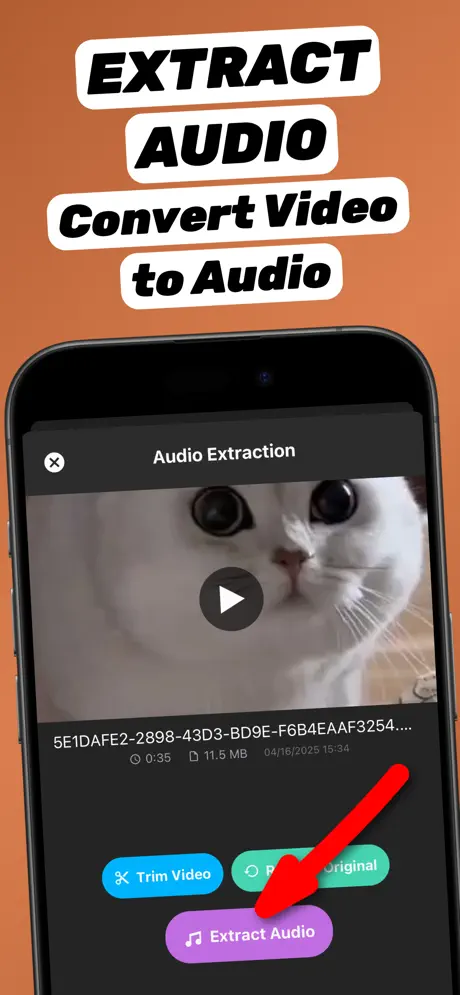
1.Share the video to the app
Open the video in Photos or Files, tap the Share button and choose Extract Audio. The app opens with the video already loaded.
-
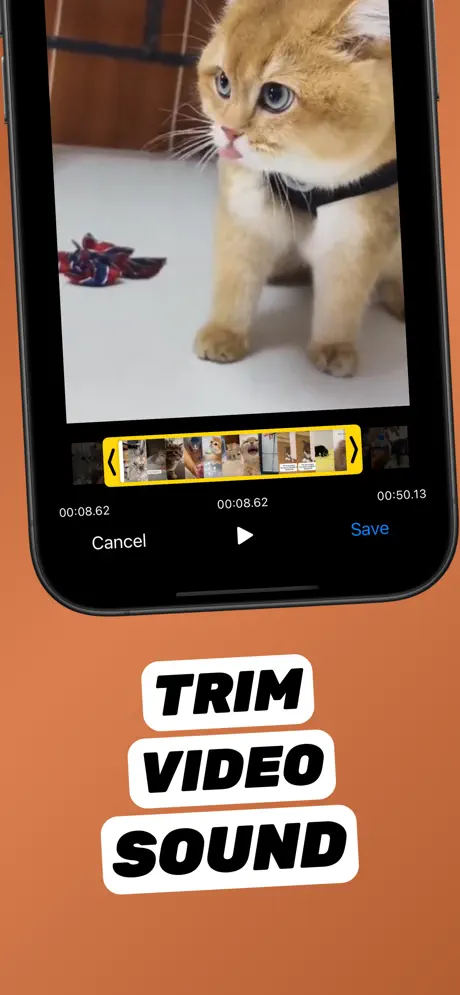
2.Trim to the part you need (optional)
Tap Trim Video, drag the yellow handles to the start and end of the part you want, preview it, and tap Save.
-
3.Tap Extract Audio
Tap Extract Audio. The soundtrack is converted on your iPhone in seconds — nothing is uploaded.
-
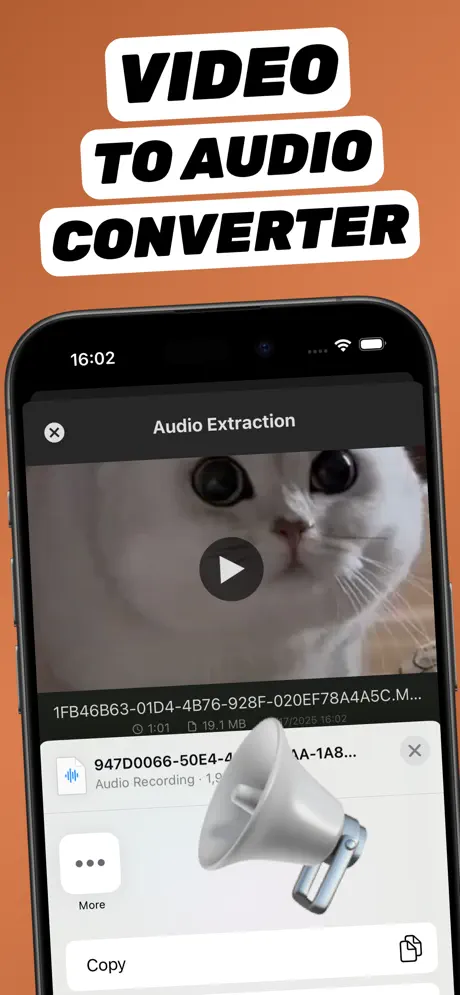
4.Save or share the audio file
The new audio file appears in your library. Tap Share to save it to Files, AirDrop it, or send it to any app.
Extract Audio from Video⁺Free on the App Store · MP3 & M4A · on-device

Side-by-side comparison
| Online converter | Extract Audio from Video⁺ | |
|---|---|---|
| Privacy | Video uploaded to someone else’s server | Stays on your iPhone |
| Speed | Upload + queue + download | Seconds, on device |
| Works offline | No | Yes |
| File size limits | Common on free tiers | Limited only by storage |
| Trimming | Sometimes | Built-in timeline trimmer |
| Ads / pop-ups | Frequent | No web pop-ups |
| Cost | Free with limits | Free core features, optional upgrades |
When an online tool makes sense
If you are on a Windows or Chromebook computer and the video is already there, a reputable web converter is fine. Avoid uploading anything personal — family videos, meetings or client work.
When the app is the better choice
If the video is on your iPhone, the app wins: no upload over mobile data, no waiting, no download step, and you can trim to the exact part you need.
Frequently asked questions
Is it safe to extract audio from video online?
It depends on the site. You upload your video to a third-party server, so avoid it for private content. On-device apps avoid uploading entirely.
Is there a free way to extract audio on iPhone without uploading?
Yes. Extract Audio from Video⁺ is free to start and converts on the device, so your video is never uploaded.
Why is online conversion slow on my phone?
Because the whole video has to upload first. Phone videos are large, and mobile upload speeds are usually much slower than download speeds.