Apple’s free Shortcuts app can strip the audio from a video. It takes about two minutes to set up. Here is the exact recipe — and where it falls short.
Step by step
-
1.Create a new shortcut
Open the Shortcuts app, tap +, and name it Extract Audio.
-
2.Add Encode Media with Audio Only
Tap Add Action, search for Encode Media, add it, tap the arrow on the action and switch on Audio Only.
-
3.Add Save File
Add the Save File action so the result is saved to the Files app.
-
4.Show it in the Share Sheet
Open the shortcut settings (the i icon), turn on Show in Share Sheet and accept Media as input. Now share a video from Photos and pick the shortcut.
Extract Audio from Video⁺Free on the App Store · MP3 & M4A · on-device

Limits of the Shortcuts method
- M4A only — no MP3 output.
- No trimming — you always get the full soundtrack.
- No library — files land in Files; you have to find and rename them yourself.
- Long videos can make the shortcut stop without a clear error.
The one-tap alternative
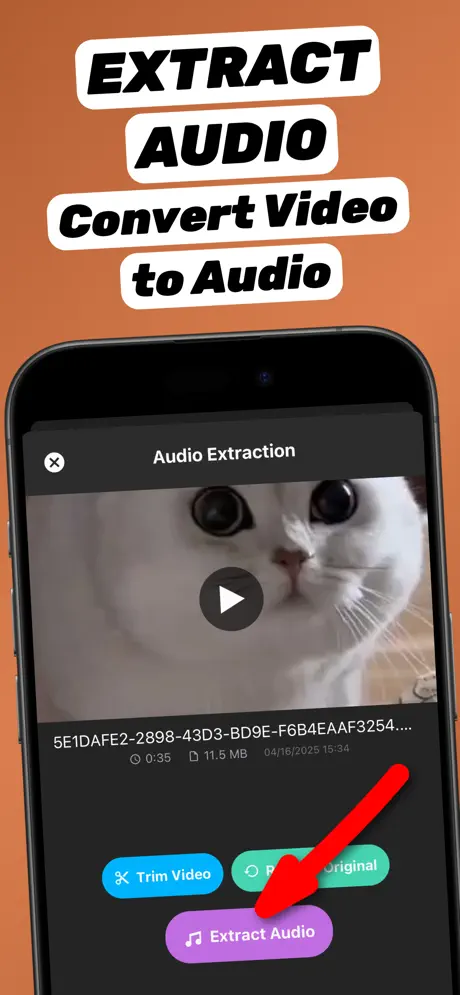
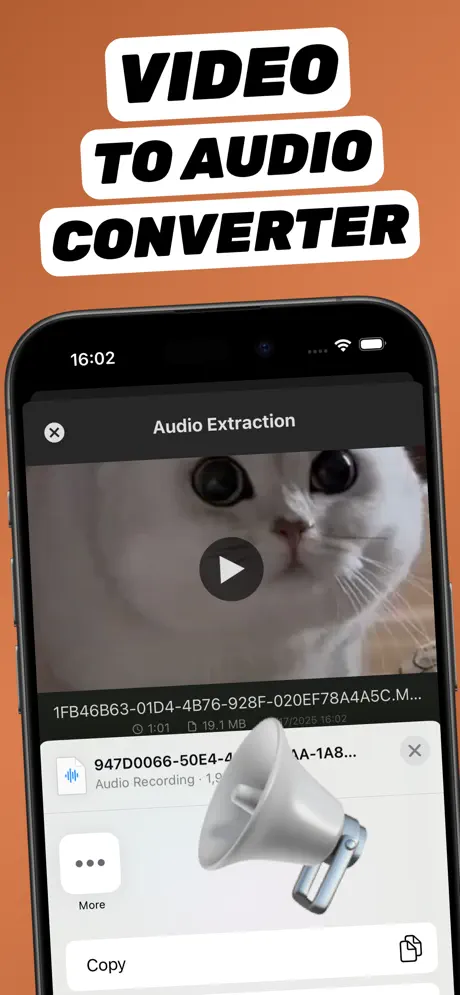
Extract Audio from Video⁺ does the same job with trimming, MP3 or M4A output, and a library of every file you extracted. It also lives in the Share Sheet, so it is just as fast — and there is nothing to build.
Other no-app options
iMovie and GarageBand can both separate audio, but they take several more steps and still export in limited formats. Websites work too, but you have to upload your video — see online vs app.
Frequently asked questions
Does iPhone have a built-in audio extractor?
Not as a button in Photos. The closest built-in option is the Encode Media action in the Shortcuts app with Audio Only enabled.
What format does the Shortcuts method create?
An M4A audio file. Shortcuts cannot export MP3.
Can the shortcut trim the audio?
Not easily. For trimming, use an app with a timeline trimmer such as Extract Audio from Video⁺.