MP4 files usually arrive as downloads, email attachments or AirDrops, so they often live in the Files app rather than Photos. The app handles both.
Step by step
-
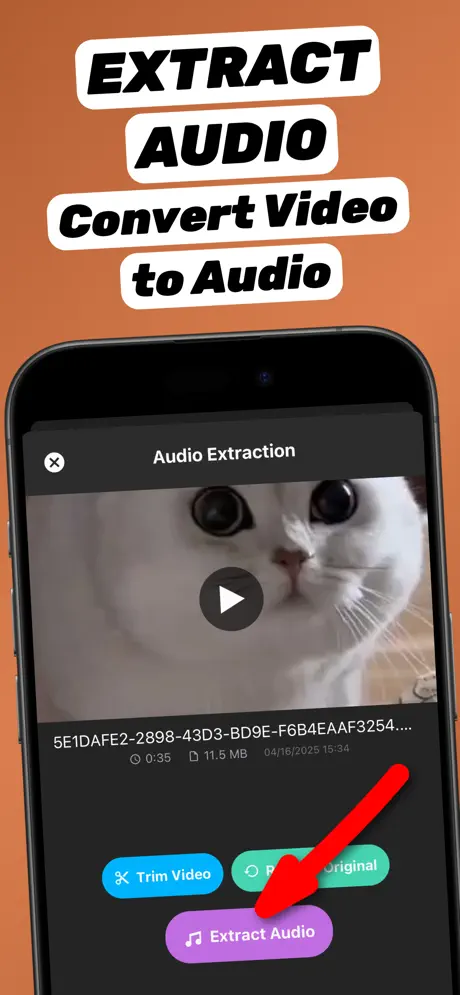
1.Find the MP4 file
Open the Files app (Downloads, iCloud Drive or On My iPhone) or Photos and locate the MP4.
-
2.Share it to Extract Audio
Long-press the file, tap Share and choose Extract Audio. The MP4 opens in the app.
-
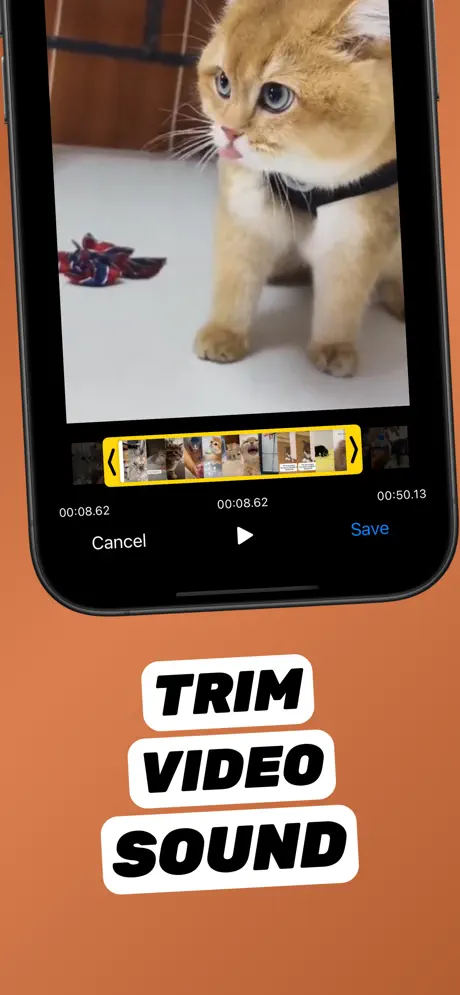
3.Trim to the part you need (optional)
Tap Trim Video, drag the yellow handles to the start and end of the part you want, preview it, and tap Save.
-
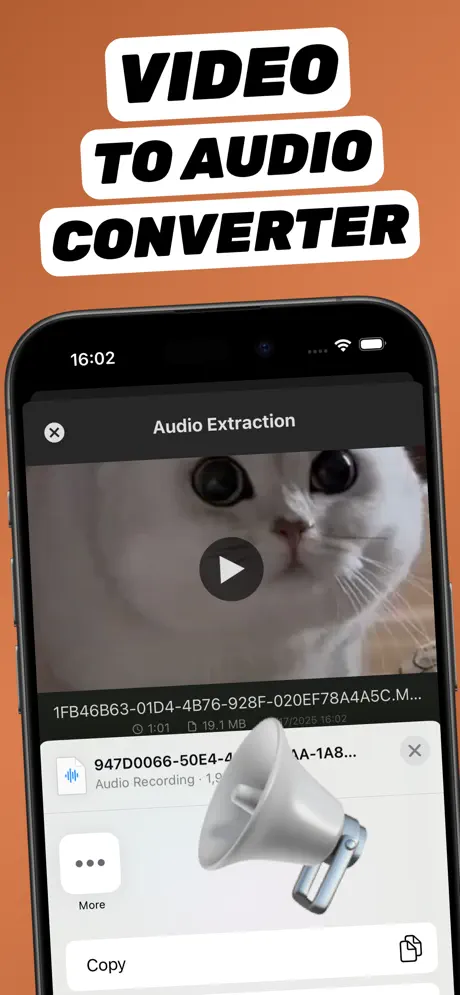
4.Export as MP3 and save
Tap Extract Audio, choose MP3, then Share → Save to Files to keep the MP3 next to the original MP4.
Extract Audio from Video⁺Free on the App Store · MP3 & M4A · on-device

MP4 vs MP3 in one sentence
MP4 is a container that holds video and audio; MP3 is audio only. Converting MP4 to MP3 keeps the soundtrack and drops the picture, so the file becomes much smaller and plays in any music player.
MP4 files from WhatsApp, Telegram and email
Save the attachment first: in the chat tap the video → Share → Save Video (goes to Photos) or Save to Files. Then follow the steps above. Only convert videos you own or have permission to use.
Need M4A instead?
For ringtones or Apple apps, M4A is a better choice. See how to convert video to M4A on iPhone.
Frequently asked questions
Can I convert MP4 to MP3 on iPhone for free?
Yes. Extract Audio from Video⁺ converts MP4 to MP3 for free on the device. Optional in-app purchases unlock extras.
Will the MP3 be smaller than the MP4?
Yes, usually far smaller, because the video track is removed and only the sound is kept.
Can I convert several MP4 files?
Yes. Convert them one after another; every MP3 is kept in the app library so you can share them all later.