MP3 is the most compatible audio format there is — it plays in every car, on every computer and in every editing app. Here is how to turn any iPhone video into an MP3 without leaving your phone.
Step by step
-
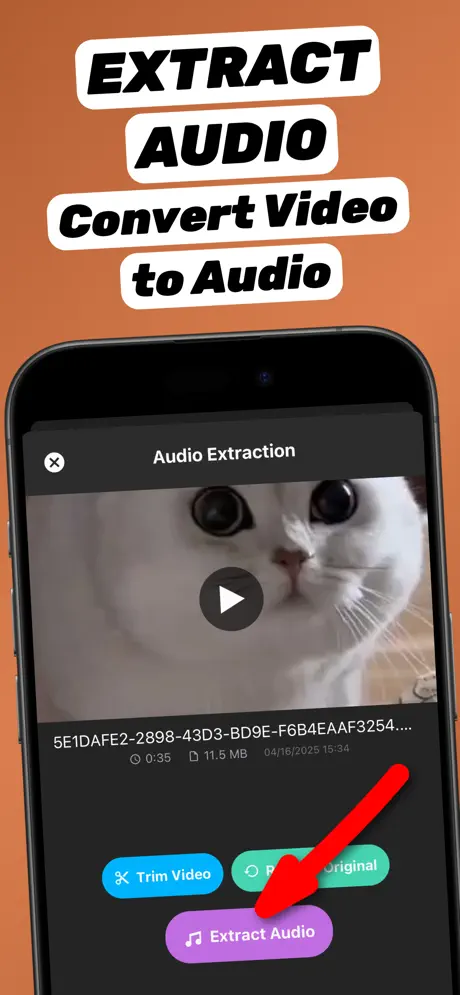
1.Share the video to the app
Open the video in Photos or Files, tap the Share button and choose Extract Audio. The app opens with the video already loaded.
-
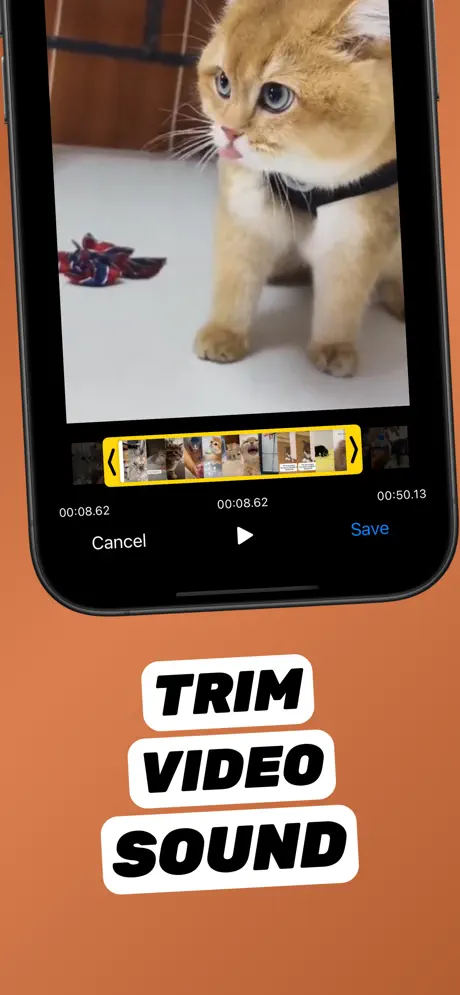
2.Trim to the part you need (optional)
Tap Trim Video, drag the yellow handles to the start and end of the part you want, preview it, and tap Save.
-
3.Extract as MP3
Tap Extract Audio and choose MP3 as the format. The video to MP3 conversion runs on your iPhone.
-
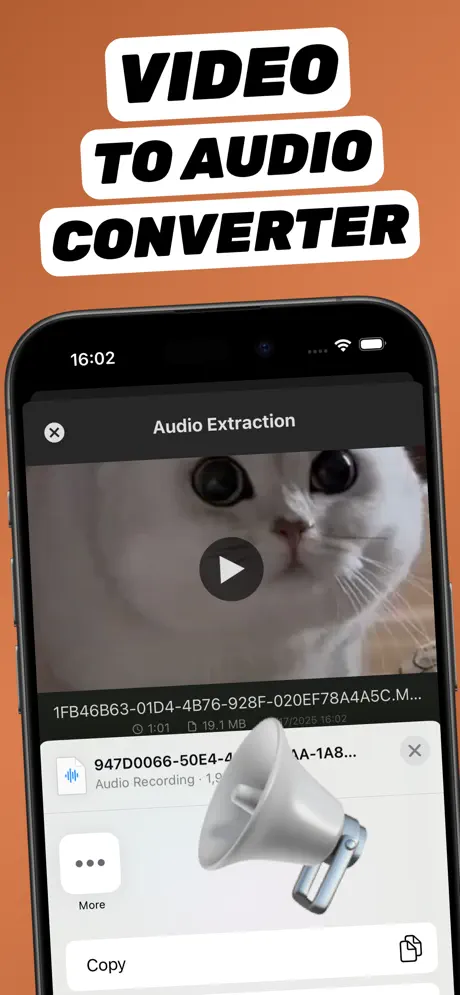
4.Save or share the audio file
The new audio file appears in your library. Tap Share to save it to Files, AirDrop it, or send it to any app.
Extract Audio from Video⁺Free on the App Store · MP3 & M4A · on-device

Why use a video to MP3 converter app instead of a website?
Online converters make you upload the whole video, wait in a queue, then download the MP3 again — slow on mobile data and risky for private videos. A converter app works offline, keeps the file on your device, and lets you trim before converting. Full comparison: online converter vs app.
Which videos can I convert to MP3?
Anything your iPhone can play: camera recordings (MOV), downloaded clips (MP4), screen recordings, and videos saved from Messages, WhatsApp or AirDrop.
What to do with the MP3
- Save it to Files to listen offline.
- Send it to your computer with AirDrop.
- Turn a 30-second part into a ringtone.
- Drop it into GarageBand, CapCut or a podcast editor.
Frequently asked questions
Can iPhone convert video to MP3 without an app?
Not directly. Apple Shortcuts can export audio only as M4A, not MP3. To get an MP3 on iPhone you need a converter app or a website.
Is the MP3 conversion free?
Yes, core conversion in Extract Audio from Video⁺ is free. Optional in-app purchases add extra features.
Do I need Wi-Fi to convert video to MP3?
No. Conversion happens on the iPhone, so it works offline. Only videos stored in iCloud need to download first.